
Audit
Audit
Audit answers a different question from Logs. Logs tell you what a task
did. Audit tells you what a person changed: which configuration, when, by whom,
and exactly what was different afterwards.
It is the page for "this worked last week". Something changed, and this is where the
change is recorded.
Open Audit from the Stream menu.
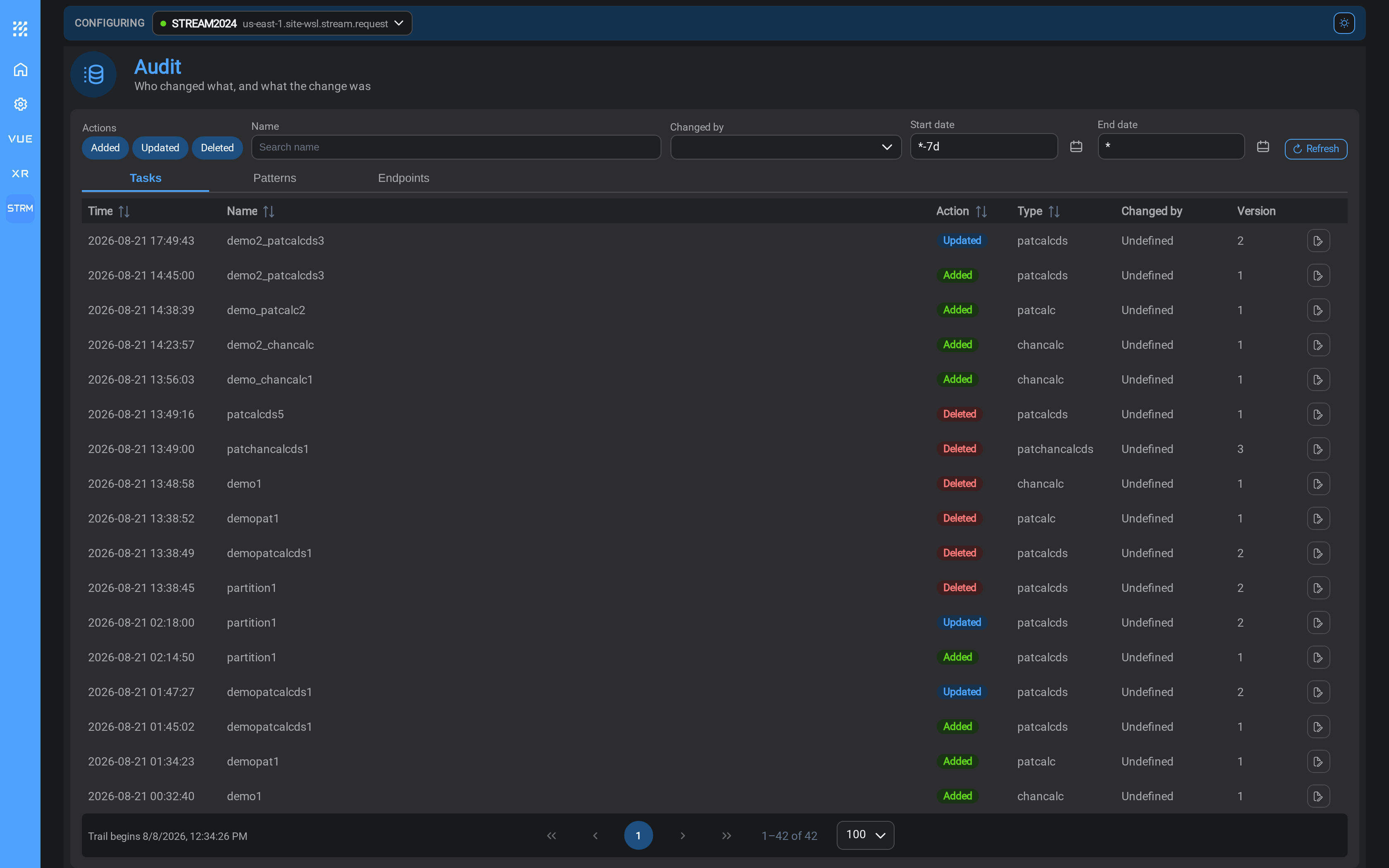
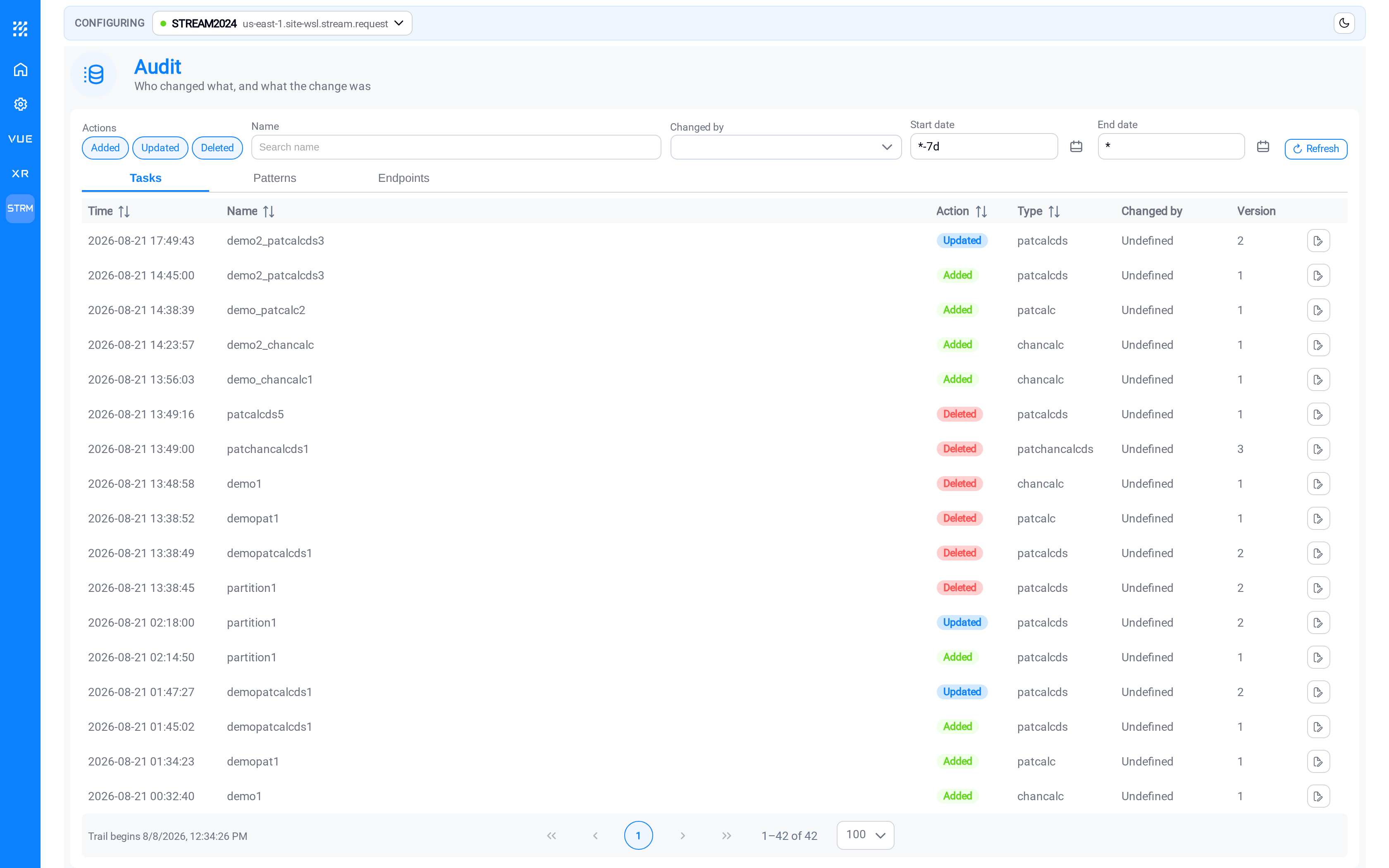
Three tabs, one per kind of thing
Audit is split into Tasks, Patterns and Endpoints as separate tabs rather
than one list you filter.
There is no combined view. The three record different things: a pattern's history includes which endpoint
and database it was searching at the time, which means nothing for an endpoint, so a
single table would be mostly empty columns. Pick the tab for the kind of thing you
are investigating.
Like Logs, the filters are the page: choose a tab, narrow the window, and read the
rows.
Audit opens on a wider window than Logs: a configuration change is a rare event,
so a short window would show every tab empty. The page states the period it is
covering.
Finding a change
| Filter | Use it to |
|---|---|
| Name | Restrict to one task, pattern or endpoint |
| Action | Show only creations, edits, or deletions |
| Time window | Restrict to when the behaviour changed |
The practical approach when something has stopped working correctly: pick the tab,
type the name, and widen the window until the last edit appears. That edit is your
first suspect.
Seeing what actually changed
A row tells you that something was edited. The diff control on the row tells you
what: a side-by-side comparison of that version against the one before it, with
the changed values marked.
This is the part that resolves arguments. "Nobody touched it" and "somebody widened
the pattern filter on Tuesday" are distinguishable here.
Secret values (passwords, client secrets), are recorded as having changed without
showing what they changed to. You can see that someone updated a credential and when;
you cannot read it.
Version numbers
Tasks and patterns carry a Version that increments on every save. The number on
the Tasks page is the version running now; the numbers in Audit are the history
behind it.
If a task is on version 7 and the last audit entry you recognise is version 4, three
changes have happened that you were not expecting, and the diffs for 5, 6 and 7 will
tell you what they were.
Arriving here from somewhere else
The Actions column on the Tasks, Patterns and Endpoints pages includes an audit
control. It opens this page already filtered to that item, with a Back to… button
that returns you to the same page of the list, in the state you left it.
That is usually quicker than opening Audit and filtering by hand.
A troubleshooting workflow
When something that used to work has stopped:
- Logs: what is failing now, and what the message says.
- Audit: what changed, and when, on the thing the message points at.
- The diff: what exactly was different about it.
Most Stream problems that are not connection problems are resolved by that sequence.
Related
- Logs: run history rather than configuration changes
- Tasks: the Version column, and the audit control per row
- Asset Patterns: why editing one changes every task that uses it