
Endpoints
Endpoints
An endpoint is a stored connection. Stream keeps the address and the credentials
in one place, gives it a name, and every task afterwards refers to it by that name.
Nobody retypes a password into a task, and when a server moves you change it once.
Open Endpoints from the Stream menu.
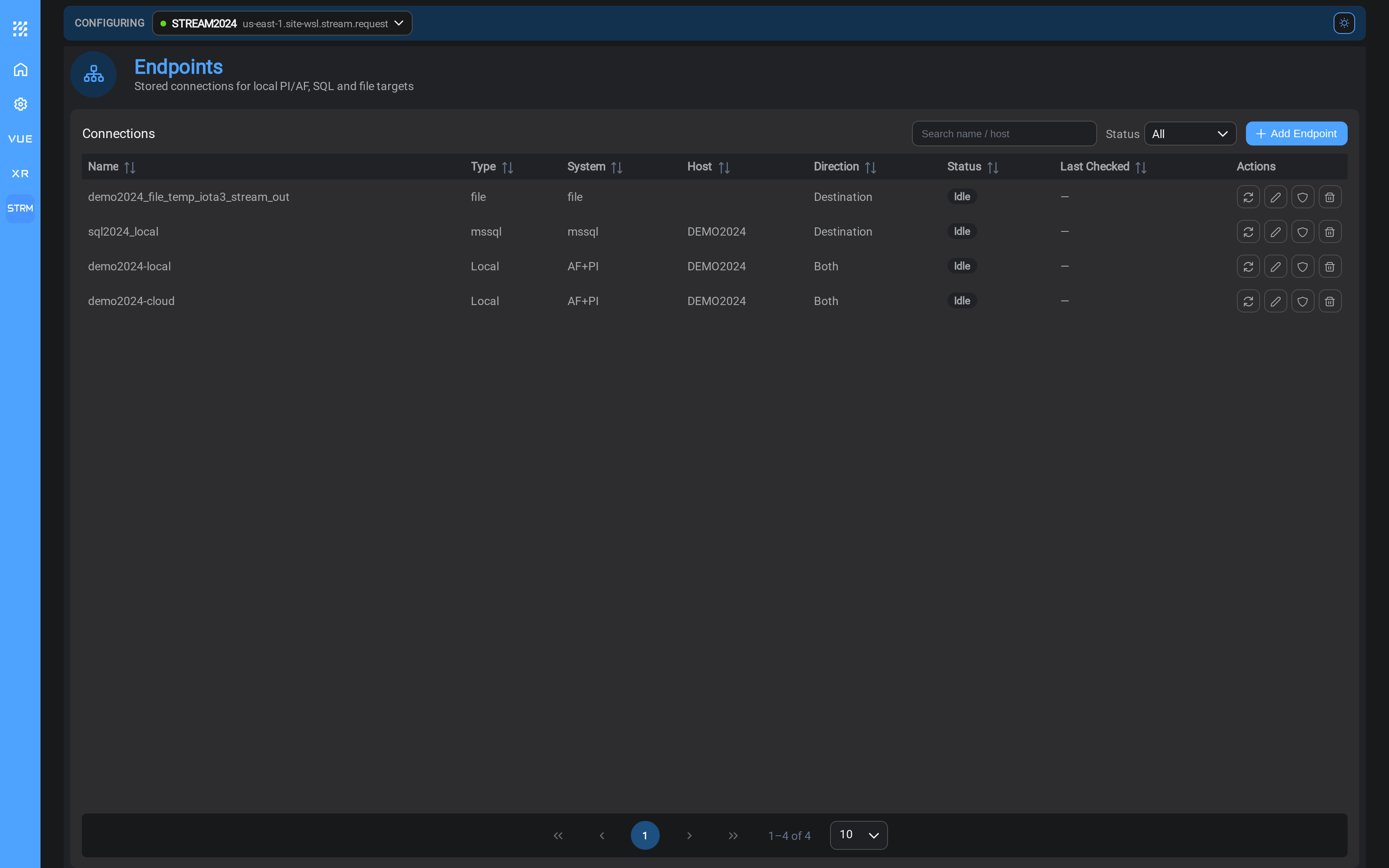
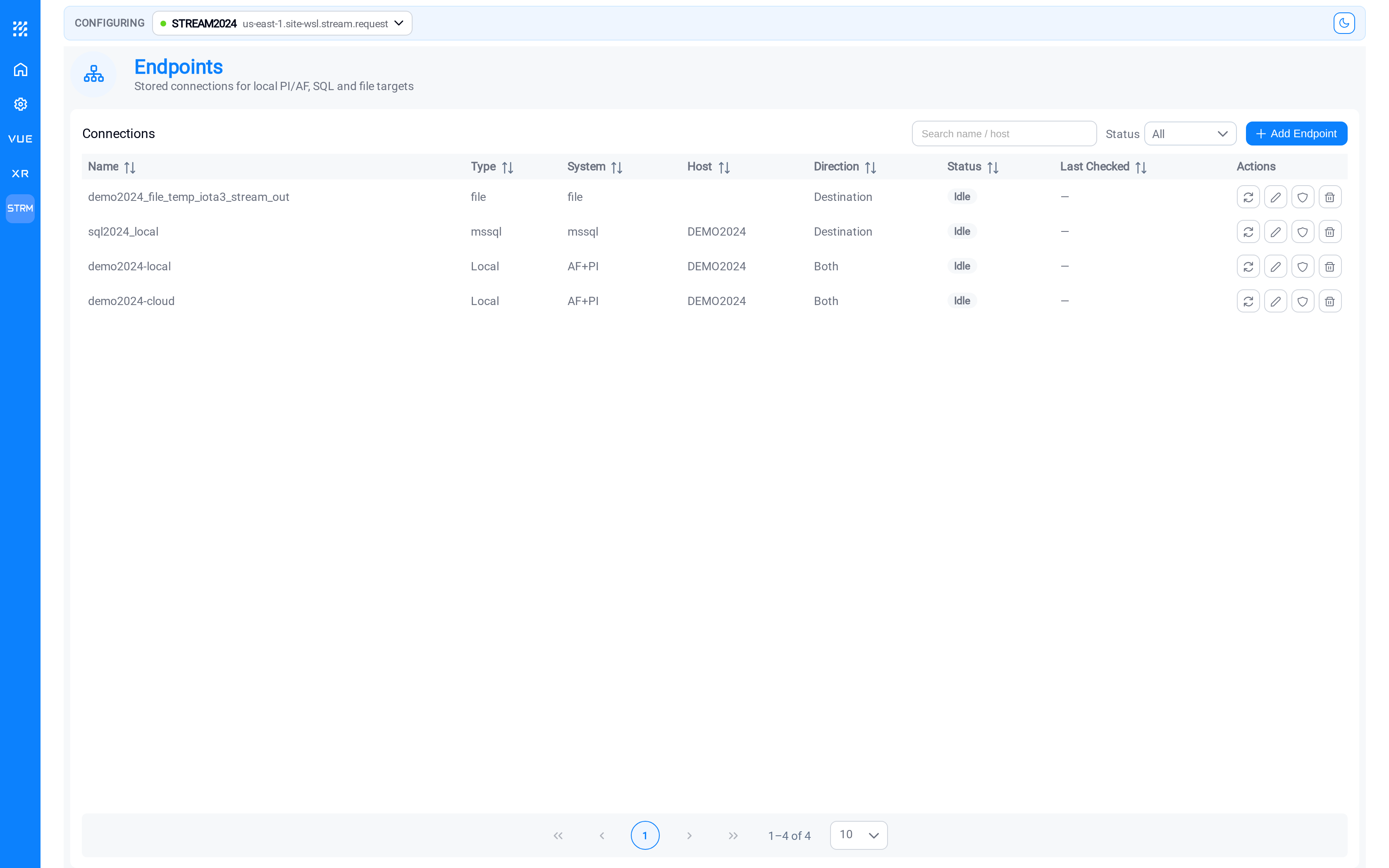
Each row is one connection. Direction is the column to read first: it tells
you whether the connection is somewhere Stream reads from, somewhere it writes to,
or both.
| Column | What it tells you |
|---|---|
| Name | What tasks will call this connection |
| Type | The kind of system at the other end |
| System | The specific product: AF+PI, mssql, file |
| Host | The server or folder it points at |
| Direction | Source, Destination, or Both |
| Status | Whether the last check reached it |
| Last Checked | When that check happened |
One rule that shapes everything
Only a PI System can be read from. Every other endpoint type is write-only.
A PI System can also be written to, which is what a
write-back task and a tag sync to a second
PI System both do; it is the only type that goes both ways, and the Direction
column says so.
Stream takes process data out of your PI System and puts it somewhere useful, so
every job has a PI System on the input side. The only question is where the results
go.
Set up your PI System connection first. You will need it before you can build a
pattern or a task.
Add an endpoint
Select Add Endpoint. Stream asks which kind you want before it asks for any
details.
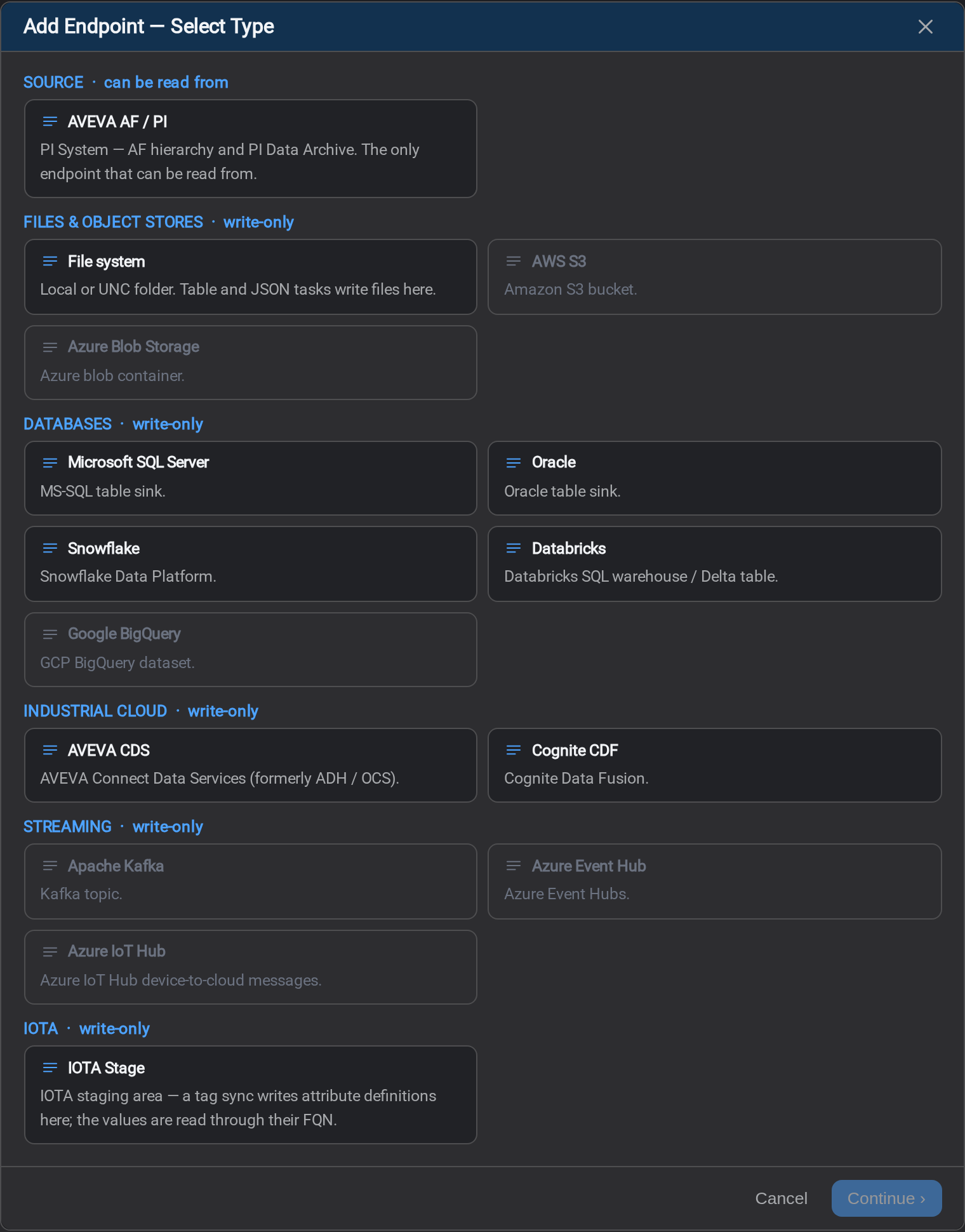
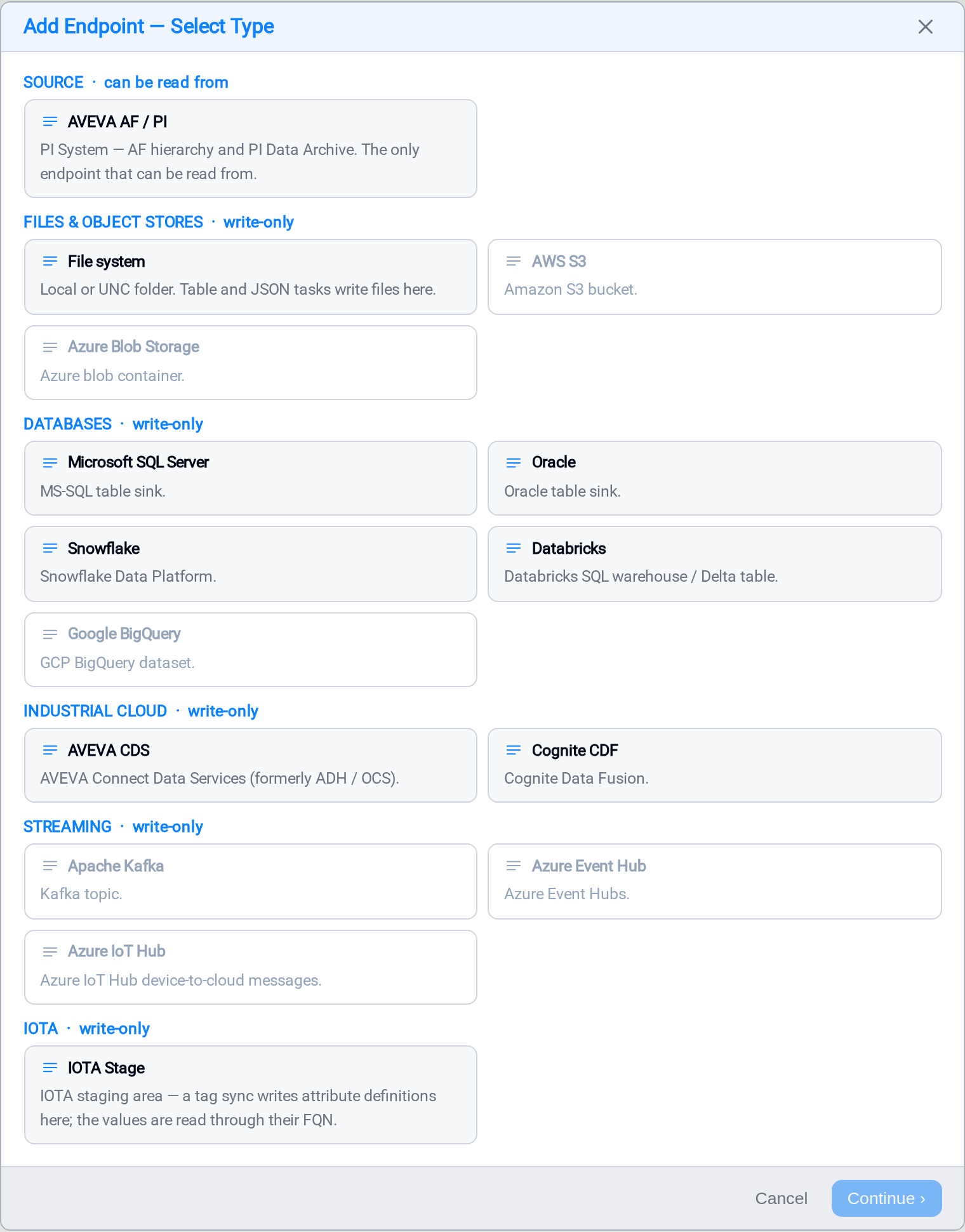
The types are grouped, and the group heading tells you the direction: the
Source group can be read from, every other group is write-only. Pick a card and
select Continue ›, or double-click the card.
Some cards are visible but cannot be selected yet. They show what Stream is being
built towards; the ones you can configure today are listed below. If Continue ›
stays unavailable after you pick a card, that type is not ready yet.
What you can connect to today
Each type has its own page: the fields it takes, and the traps particular to it.
| Type | Group | Direction | Page |
|---|---|---|---|
| AVEVA AF / PI | Source | Read and write | AVEVA AF / PI |
| File system | Files & object stores | Write | File system |
| Databricks | Files & object stores | Write | Databricks |
| Snowflake | Files & object stores | Write | Snowflake |
| Microsoft SQL Server | Databases | Write | Microsoft SQL Server |
| Oracle | Databases | Write | Oracle |
| AVEVA CDS | Industrial cloud | Write | AVEVA CDS |
| Cognite CDF | Industrial cloud | Write | Cognite CDF |
| IOTA Stage | IOTA | Write | IOTA Stage |
Some cards are visible but cannot be selected yet. They show what Stream is being
built towards; if Continue › stays unavailable after you pick a card, that type
is not ready.
The last three are written by a tag sync rather than by an ordinary
task. A table or JSON task writes rows and documents, which is not what a stream, a
time series or a Stage tag is; a tag sync resolves those definitions and a
tag sync task moves their values. IOTA Stage
does either, by the mode its pattern is in: a stored tag takes a task like the rest,
and a reference tag serves its values itself and needs none.
Two of them do more than connect
Most destinations write and are finished. Databricks and Snowflake land
Parquet files and can then load those files into a table: two steps, and the
second one is set per task rather than on the connection. See
Loading a Lake Table.
Check that a connection works
There are two ways, and they answer slightly different questions.
From the row. Each row has a refresh control in the Actions column. It tests
the endpoint exactly as the service uses it: the stored configuration, stored
credentials, and updates Status and Last Checked.
From the form. The Add and Edit dialogs have a Test Connection button. This
tests what is on screen, before you commit it, which is the one that saves you
time: a button that only works after saving trains people to save broken endpoints.
Reading the result
The result is not a yes or no. It is a list of graded checks, in the order the
failures actually happen, each with its own outcome and a line written for a person:
| Type | Checks, in order |
|---|---|
| File system | directory exists → writable (a probe file is written and removed) |
| Microsoft SQL Server | connection → SELECT @@VERSION |
| Databricks | credentials → volume write and delete → SQL warehouse |
| Snowflake | private key → credentials → stage LIST → warehouse |
The list stops at the first failure. A volume check after a failed token would be
a second red row for one problem. What you see is a prefix, not a full matrix, and the
last row is the one to read.
The grading separates three independent failures. "Connection failed" on its own
would leave you to guess which of them you have.
The four outcomes
| Outcome | What it means |
|---|---|
| Passed | Everything Stream checked worked |
| Failed | A specific check failed; read its detail line |
| Not supported | This endpoint type has no test yet. Not a verdict either way |
| Not tested | Nothing answered at all |
The last two are worth separating from a failure. Not supported means Stream
has no test for that type: painting it green would claim something nobody
verified, and red would accuse a configuration that may be perfectly correct.
Not tested means the call never got there: the Stream service is down, or the
request was refused. The endpoint was not tested, so nothing has been learnt about
it, and re-reading its fields is wasted effort.
Status on the list
| Status | Meaning |
|---|---|
| Connected | Stream reached it on the last check |
| Idle | Not checked recently: normal for a connection nothing is currently using |
| Error | The last check failed |
Idle is not a problem. It means no task has needed this connection lately. Test
it directly if you want to confirm it before building on it.
Editing an endpoint does not expose its secret
A stored password or key is never sent back to the browser: the field shows empty
with "unchanged: type to replace". Leave it alone and the stored value is kept,
on both Test Connection and Save. You only ever type a secret to change it.
If a check fails, the detail line beside it is the first thing to read; it carries
the provider's own message. The Logs page has the rest.
What's Next
Set up the PI System connection first: nothing else can be built until it exists.
Continue to AVEVA AF / PI →.
Related
- Getting Started: the whole sequence end to end
- Task Output: choosing the destination and format for a task
- Tag Sync: keeping a destination's tag definitions in step with your PI System
- Loading a Lake Table: what Databricks and Snowflake do after landing files
- Data Sources: the drivers behind IOTA Vue's own data connections