
Troubleshooting & Notifications
Troubleshooting & Notifications
IOTA Vue keeps you informed about data and system problems through notifications, and gives you a few simple steps to track down an issue when one occurs.
The Notification Bell
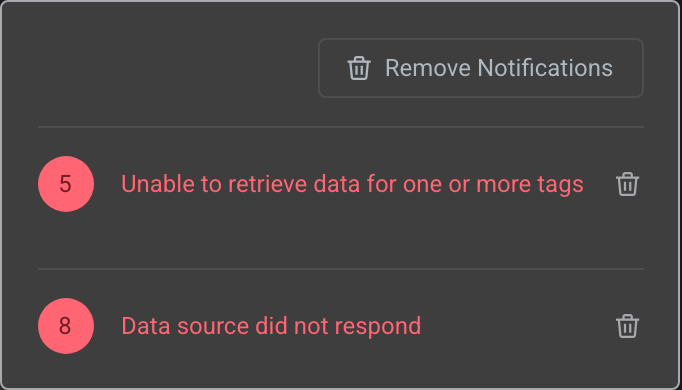
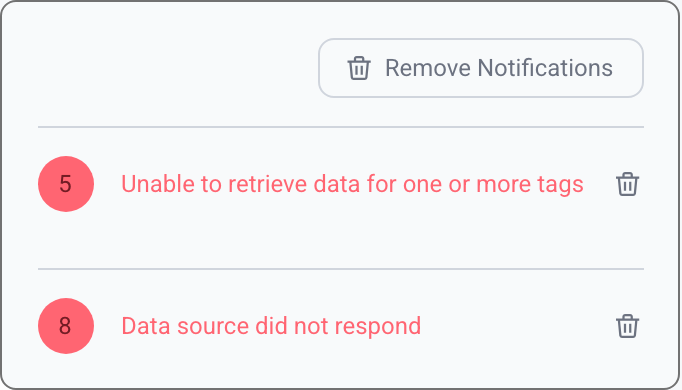
The bell icon in the top bar shows system notifications: errors, warnings, and informational messages from the data source or driver layer. A badge shows the number of unread notifications.
Clearing and Reproducing Errors
You can clear the messages from the bell menu. Clearing is also a useful troubleshooting step: clear the current errors, then try to reproduce the problem (for example, reload the page or reopen the display), and watch whether the same error appears again. If it does, you have narrowed down what triggers it, which helps you or support locate the cause.
Enabling and Disabling Notifications
You can turn system notifications on or off in your user profile with the Show System Diagnostics Notifications option. When enabled, the bell displays a badge count for unread notifications.
Getting Help
If an error keeps appearing or you cannot resolve an issue:
- Contact your IOTA administrator: they can check data source and driver configuration.
- Contact IOTA support; see Contact Us.
Tips
For more troubleshooting guidance, see the Troubleshooting page.
What's Next
If your data comes from Seeq, continue to Go to Seeq to open signals directly in a Seeq Workbench for deeper analysis.
Related
- Go to Seeq: open signals in a Seeq Workbench
- Troubleshooting (Admin & Builder): the driver log and diagnostics for a support ticket
- Exploring Data on a View: read live values on a display