
Administration Page
The Administration Page is where administrators manage IOTA VUE outside of the display canvas: who can sign in and what they can do, the data sources that feed displays, the views published across the platform, and the diagnostic logs used to troubleshoot connections. It is only available to users whose role grants administrative access.
Access
To open the Administration Page:
- Click the IOTA logo in the top-left corner of the top bar. This takes you to the welcome page: your personal landing space for opening and exploring displays.
- From the welcome page, open the Administration section (the gear entry).
You can also go straight there by adding /administration to the end of your instance URL (for example, https://your-instance/administration).
Note
The Administration Page only appears for users whose role grants administrative access. If you sign in and do not see it, ask another administrator to grant you the appropriate role.
What's on the Administration Page
The left navigation lists the areas below. You only see the areas your role permits, so a given administrator may see fewer than this full list. Some areas are marked (Beta) in the product while they are still being finished.
| Area | What it's for |
|---|---|
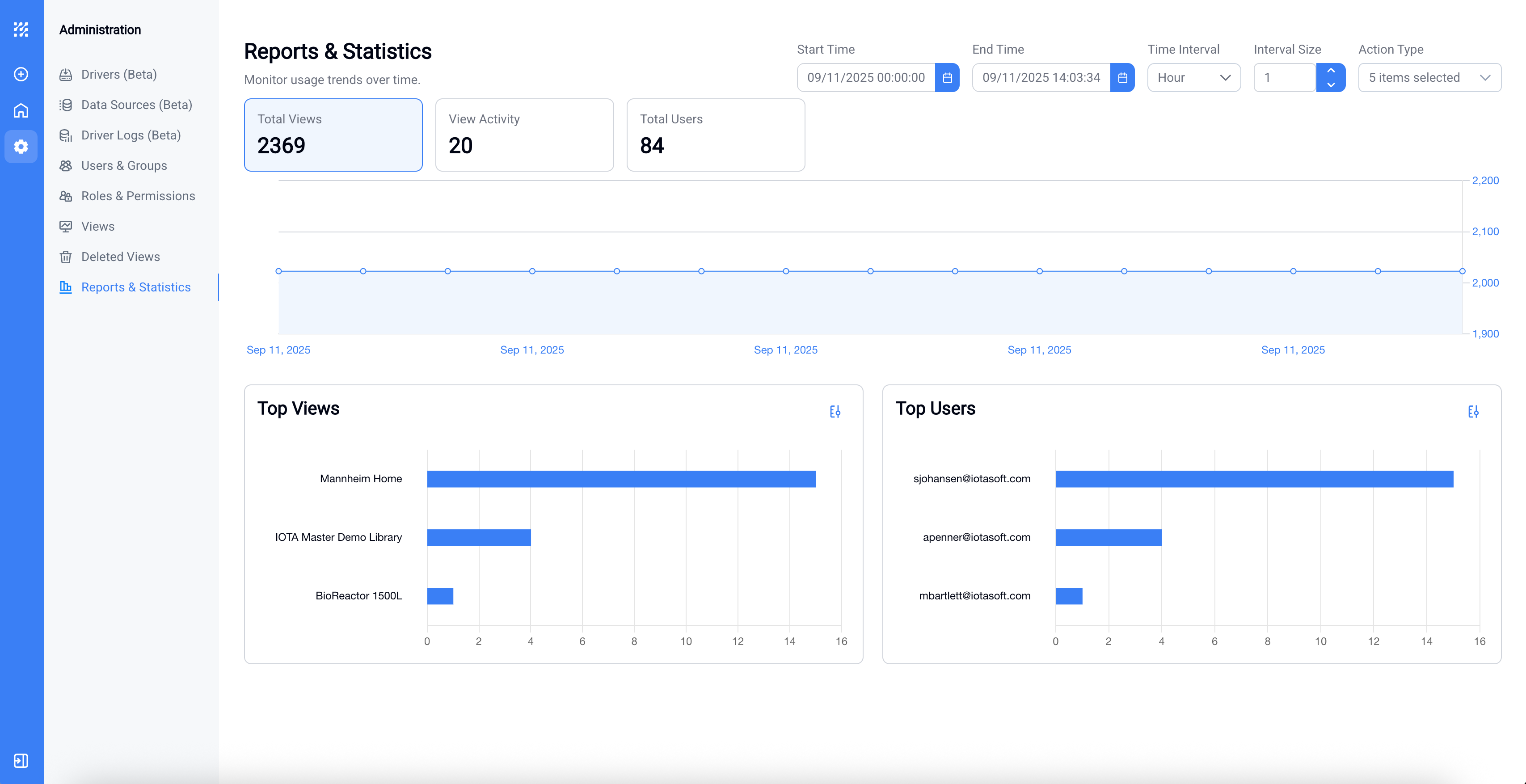
| Reports & Statistics | Usage reporting across the platform. |
| Drivers (Beta) | View and monitor the installed data-source drivers. |
| Data Sources (Beta) | Review the data sources exposed by those drivers. |
| Driver Logs (Beta) | Diagnostic log of driver activity; see Driver Logs. |
| Users & Groups | Assign roles and defaults to users and groups; see Roles, Users, and Groups. |
| Roles & Permissions | Create roles and set what each role can do; see Roles, Users, and Groups. |
| AI Skills | Manage the instruction overlays used by the AI chat assistant; see AI Skills. |
| AI Sessions | Read-only record of every AI chat session across all users, including the context sent. |
| AI Statistics | Cost, response time and token use per user, model and capability. |
| My AI Prompt | A standing instruction added to your own AI conversations only. Open to anyone who has AI Chat. |
| Feature Flags | Turn platform features on or off, globally or just for yourself; see Feature Flags. |
| Knowledge Core | Indexing-quality tools for the Knowledge Core capability; see Knowledge Core. |
| Views | See every view across all owners and manage who can access each one; see Sharing views. |
| Deleted Views | Recover views that have been deleted (views are soft-deleted, not purged). |
Manage drivers from the app menu, not from this page yet
Driver management is being moved from the main application menu into the Administration Page, and that move is not finished yet. Until it is:
- Driver Logs: fine to use here.
- Drivers and Data Sources; treat these as view-only on the Administration Page for now.
- To add, edit, or configure drivers and data sources, use the hamburger menu (
☰) in the main application, not the Administration Page.
Making driver or data-source changes from the Administration Page before the migration is complete can lead to problems. If you have already made changes here and are running into issues, contact IOTA Support.
For how to install and set up drivers, see the driver documentation.
Where to go next
The two areas administrators use most have their own pages:
- Roles, Users, and Groups: control who can do what, assign roles, set defaults, and share displays.
- Driver Logs: troubleshoot data-source connections using the driver activity log.
Development status
The Administration Page is actively being developed, and areas marked (Beta) are still being finished. Behavior and available options may change between releases.
What's Next
Start with Roles, Users, and Groups to control who can sign in and what they can do.
Related
- Roles, Users, and Groups: access control
- Driver Logs: data-source activity and diagnostics
- Feature Flags: turn platform features on or off