
Advanced
Advanced
This section is dedicated to the more advanced, less commonly used features of IOTA VUE: capabilities that go beyond building and sharing everyday displays. Most builders won't need them day to day, but they're here when a specialized display calls for one.
As new advanced features are introduced, their documentation will be added to this section.
In this section
- Engineering View: hide construction-only elements so viewers get a clean, focused display.
- Inspecting a Component: view a component's full configuration as JSON for troubleshooting and scripting.
Inspecting a Component
Every component on a display is backed by a configuration object: its channels, settings, actions, and layout. Inspect shows you that raw configuration, which is useful for troubleshooting, copying a working setup, or understanding the model your scripts read and write.
To inspect a component:
- Unlock the display for editing.
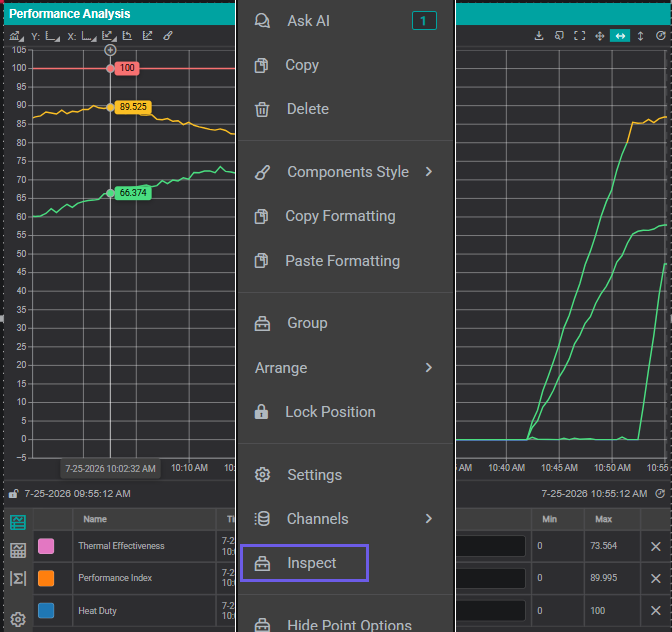
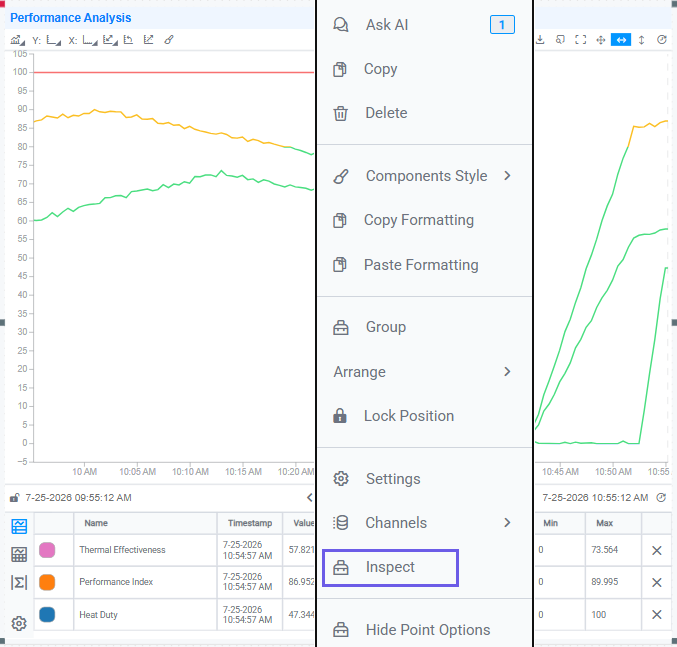
- Right-click the component and choose Inspect (or select it and use the Inspect Selected Components keyboard shortcut).
- A dialog opens showing the component's full configuration as formatted JSON.
Tips
The JSON mirrors the object your scripts reach through this: settings, channels, actions, and more. Inspecting a working component is a quick way to find the exact property names to use in a Component Script.
What's Next
Start with Engineering View to give a finished display a clean, viewer-facing presentation.
Related
- Engineering View: hide construction-only elements from viewers
- Scripting Guide: add custom behavior with JavaScript
- Components Reference: every component and its settings