
Less than 1 minutesettingscolorpicker
To pick color of your interest
To change color for specific visual property, click on the color box next to property description. The color picker dialog will be displayed.
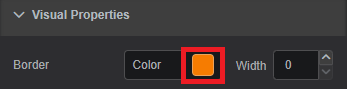
Visual Properties: Color Picker Dialog Pick the color of interest. The video below shows how to choose a solid, gradient or theme color.
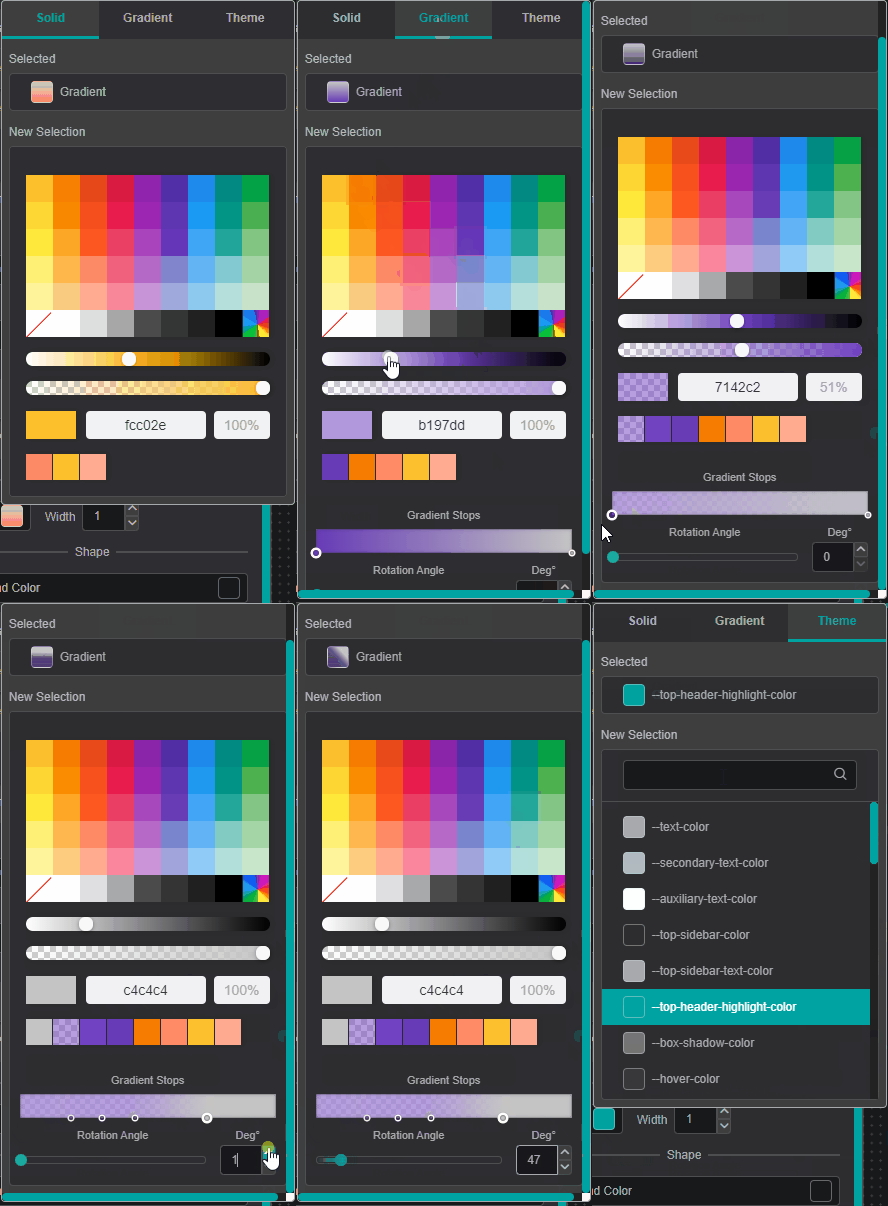
Color Picker Dialog: Workspace You can add
Gradient Stopsby double clicking and to remove - by pulling it up.To close the color-picker dialog - click on the property color box (Step 1).
Closing color-picker dialog
Clicking on the workspace area instead of Settings Tab area -
component settings will disappear since component focus will be lost.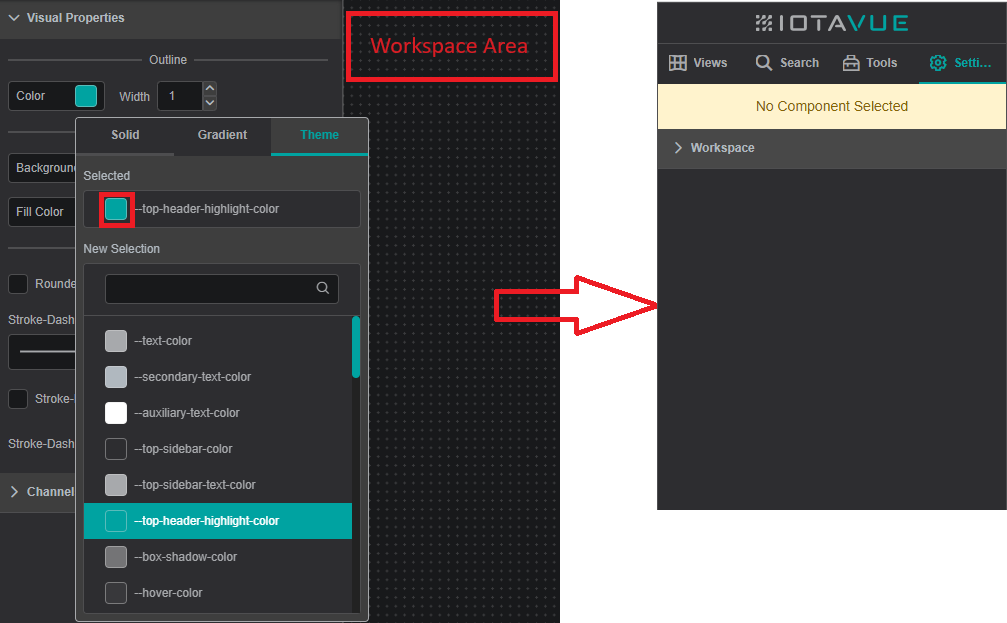
Color Picker Dialog: Workspace