
Pattern Cache
Pattern Cache
Every time a task uses a pattern, the pattern has to be resolved: Stream walks the
AF hierarchy and works out every combination that matches. On a small hierarchy that
is quick. On a large one it is the slowest part of the run, and a task scheduled
every five minutes repeats that same search every five minutes for an answer that has
not changed.
A pattern cache stores the answer. The pattern is resolved on its own cadence: say
every six hours, and tasks read the stored list instead of searching. A task that
took two minutes to start now starts immediately.
This matters most for exactly the patterns that make Stream worth using. A pattern
pairing a weather station with a thousand pumps has a thousand combinations to work
out, and that resolution is far more expensive than matching a single kind of asset.
The bigger the fan-out, the more the cache is worth.
Caching a pattern is optional, and it saves the search
A task on a pattern has to know which assets it matched before it can read anything.
Without a cache it works that out on every single run, by searching AF.
Schedule the pattern instead and the matches are resolved once per cadence, stored, and
reused: every task on that pattern reads the stored list and gets straight to the data.
You choose the cadence: hourly, nightly, whatever your hierarchy actually changes at.
Nothing breaks without it. An uncached pattern is correct, just slower, and every task
using it pays for the same search over and over: which is what this page is for.
Open Pattern Cache from the Stream menu.
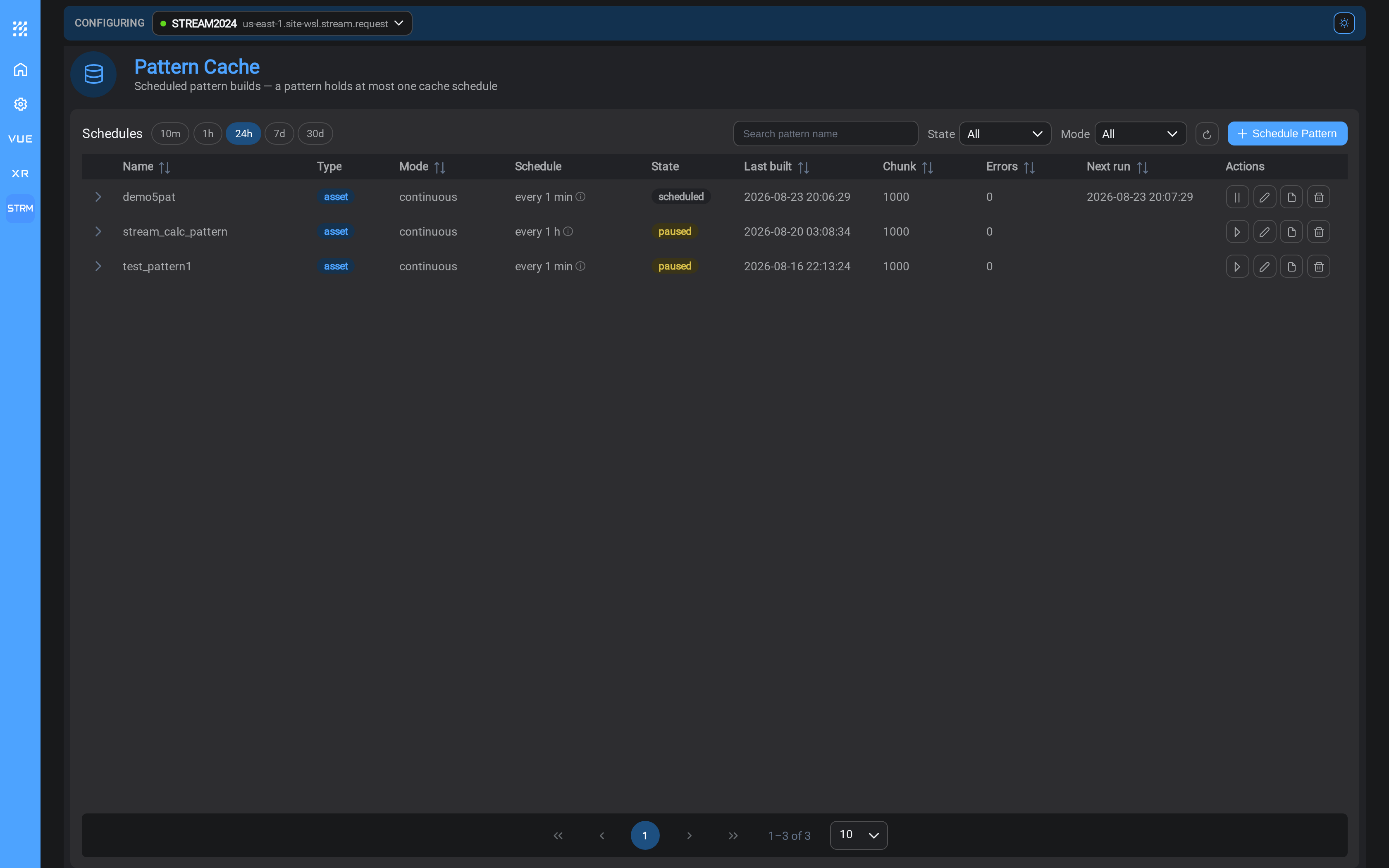
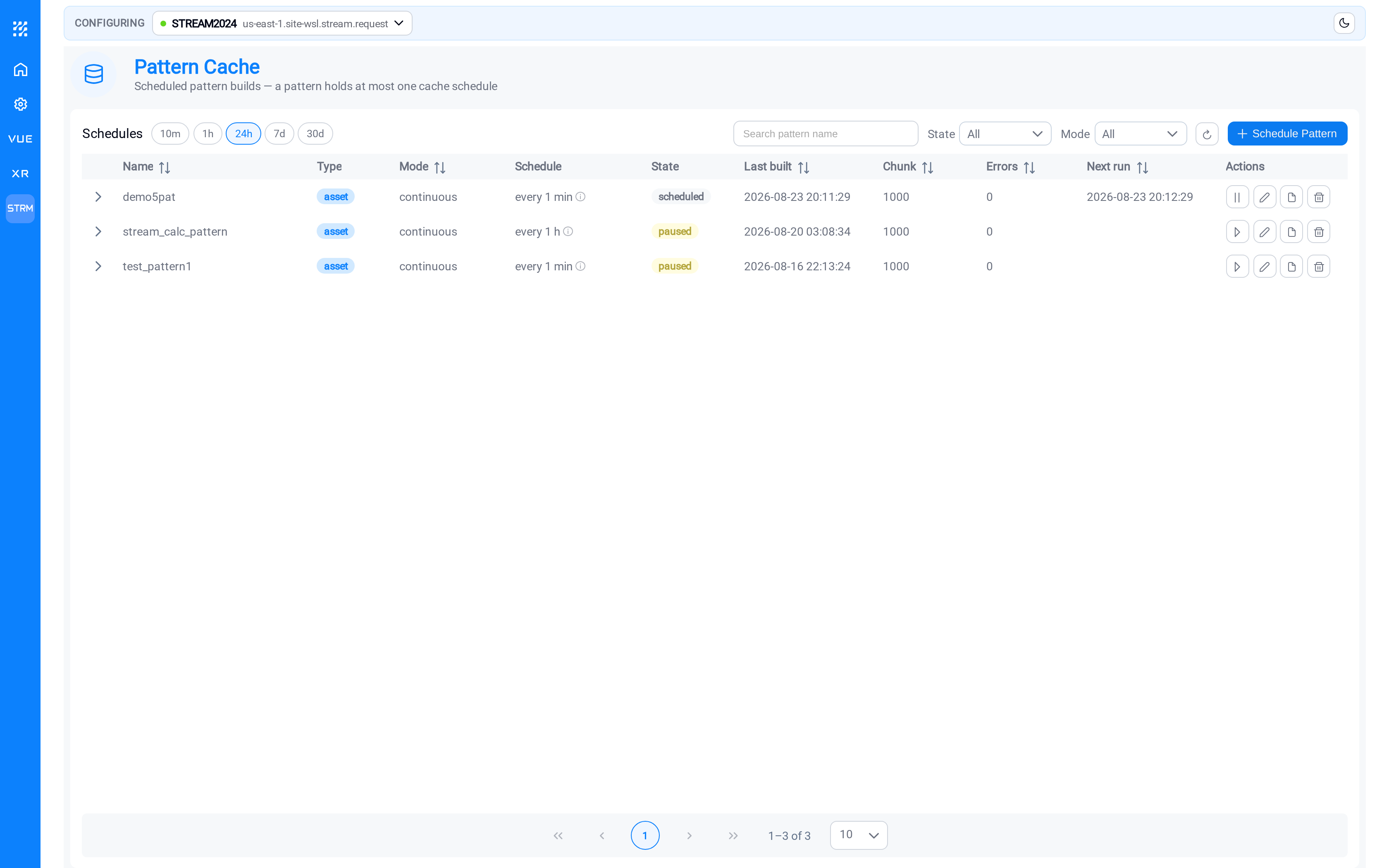
Each row is one pattern's cache, with its cadence, its state, and when it last
built. Expand a row to see how its recent builds have performed.
When to cache a pattern
Cache a pattern when any of these is true:
- It produces more than a handful of matches
- It pairs a parent with its children, so the match count is a multiple rather than
a count - Tasks using it run more often than the hierarchy actually changes
- You have noticed tasks taking a long time to start
Do not bother when a pattern produces two or three matches and a task using it runs
once a day. The cache would be correct but pointless.
The general shape: the more matches a pattern produces, and the more often tasks
run it, the more a cache is worth.
A task on an uncached pattern
A task whose sources include Assets runs once per pattern match, and the match list
reaches it one of two ways.
With the pattern scheduled, the task reads the matches from the pattern's latest
cached run. Nothing searches AF while the task fires: the fire costs only the data
reads. The run log says so:
pattern [..] cached run [..]: [N] matches (built <time>)Without a schedule, the task resolves the pattern against AF itself, on every
fire, before it reads a single value:
no cached run; resolving against AF now (schedule the pattern to avoid this)The matches are identical either way. The difference is who pays for finding them, and
how often: once per cache build, or once per task run, for every task using that
pattern, every time it fires.
Preview behaves the same way. With the pattern scheduled it previews against the
cached matches; without, it searches AF first, which is why the first preview on an
unscheduled pattern can take noticeably longer than the ones after it.
Positions survive the switch
Each match keeps its own position, its watermark, keyed by the match's content. A
pattern that is cached today and resolved live tomorrow keeps every match's position,
so switching the cache on or off never re-reads or skips data.
Event frames are never cached
A TimeFrame pattern has no cache and needs none. Every fire
runs one event-frame search over the run window, the frames overlapping it, and
processes each frame, or each frame × asset combination when an asset pattern is a
source too, from its own position. That search is the task's work, not a lookup it
could have done earlier.
Set up a cache
Select Schedule Pattern.
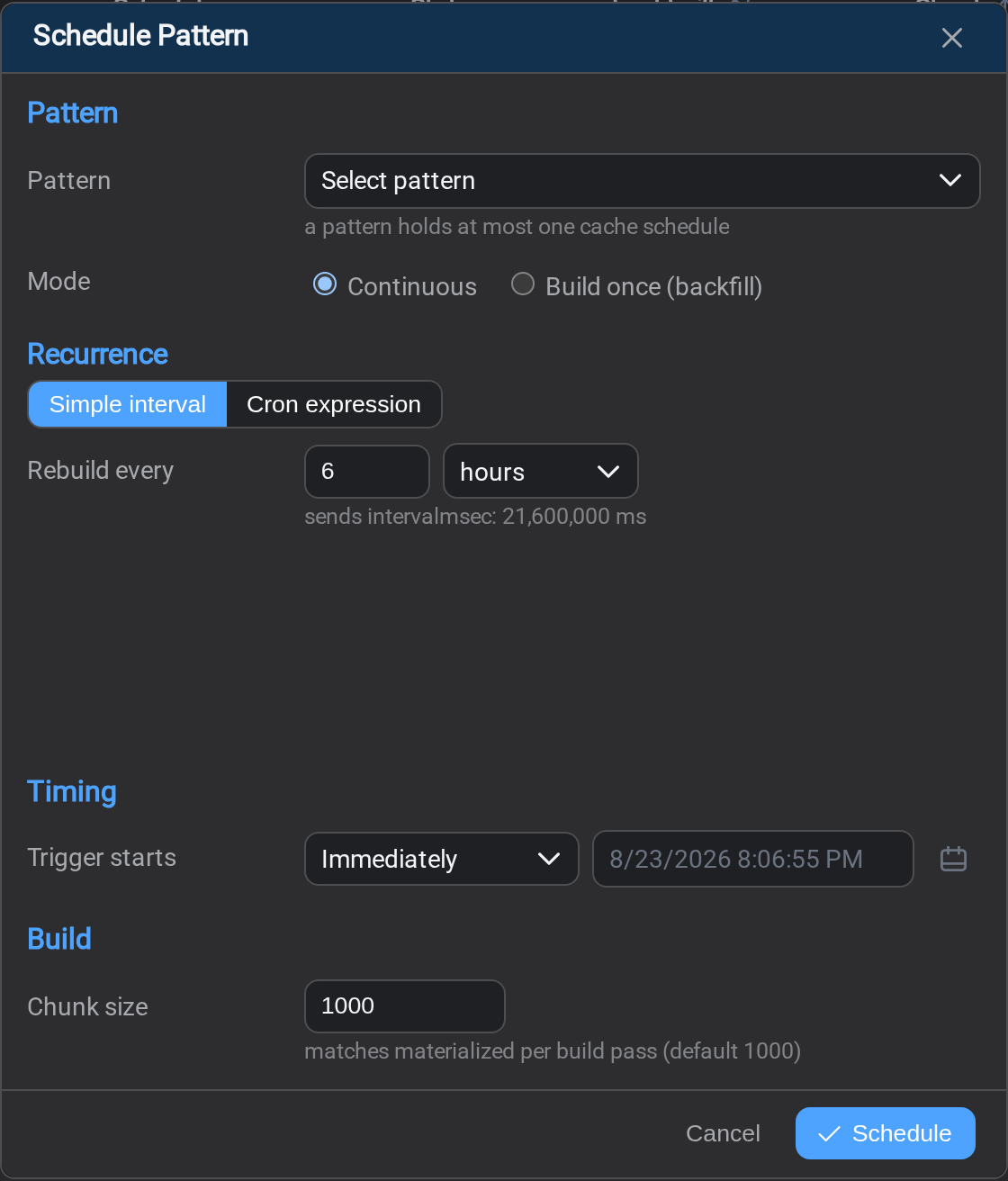
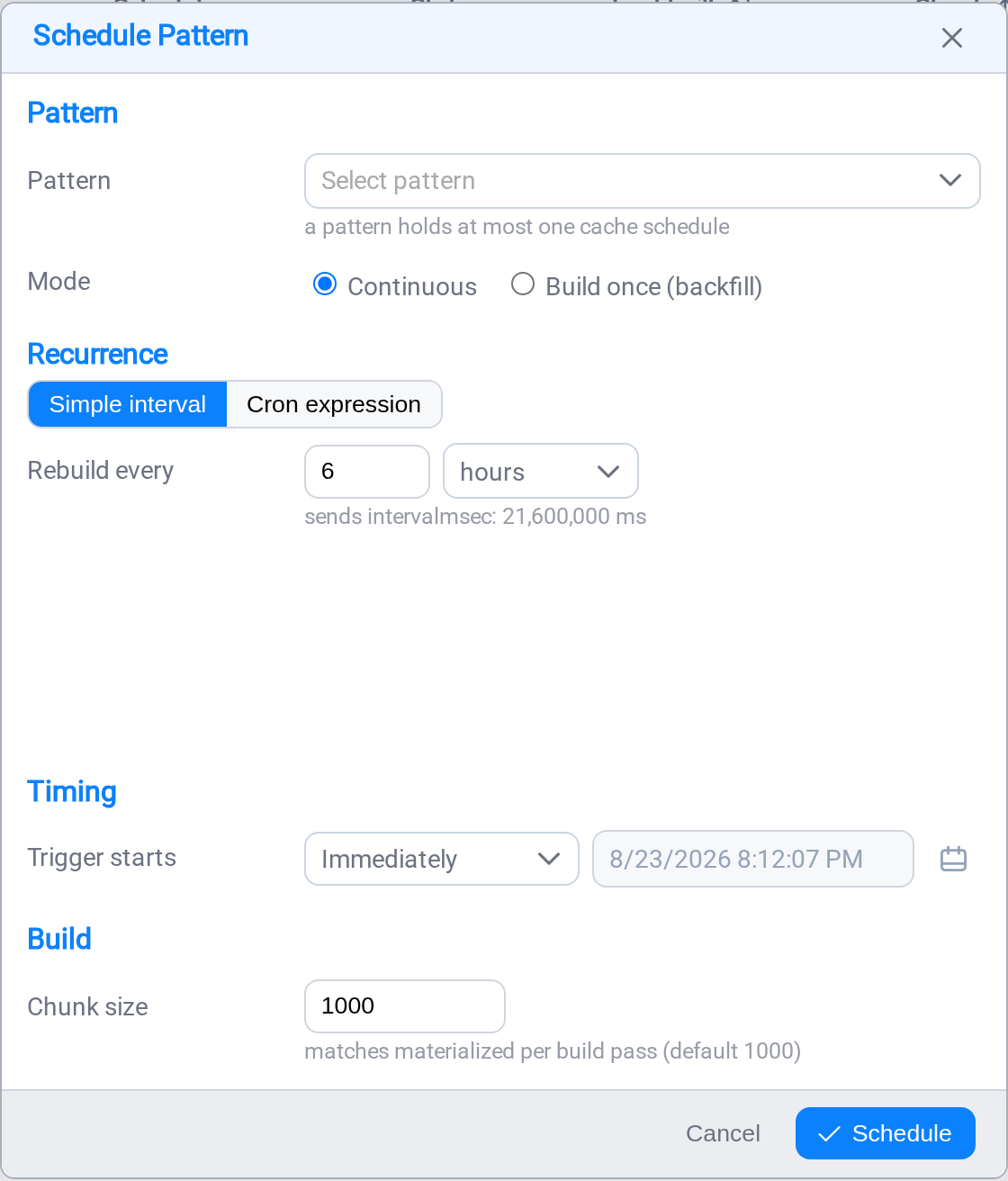
Pattern
Choose the pattern to cache. A pattern holds at most one cache, so a pattern
already cached will not appear in the list: edit its existing cache instead.
Mode
| Mode | What it does |
|---|---|
| Continuous | Rebuilds on the cadence you set, indefinitely. This is what you want for a pattern in day-to-day use. |
| Build once (backfill) | Resolves the pattern one time and stops. Useful for a one-off job, or to populate the cache now and decide the cadence later. |
Recurrence
Two ways to say how often. Simple interval covers nearly every case: a number
and a unit, "rebuild every 6 hours". Cron expression is there for cadences an
interval cannot express, like 03:00 on weekdays only. The
Task Scheduler page explains the cron builder, which works the
same way here.
Choosing the interval is a judgement about how often your plant hierarchy actually
changes:
| Your hierarchy | A reasonable interval |
|---|---|
| Stable: assets change during commissioning only | Daily, or even weekly |
| Occasional additions | Every 6–12 hours |
| Actively changing | Hourly |
Rebuilding more often than the hierarchy changes costs work and gains nothing.
Rebuilding less often means new assets wait to be picked up: a cache built every
24 hours means an asset commissioned this morning may not be included until
tomorrow.
Timing
Trigger starts controls when the schedule begins. Immediately is the usual
choice. Pick a specific date and time to have the first build wait: useful if you
would rather it did not resolve a large hierarchy in the middle of the working day.
Build
Chunk size is how many matches are stored per pass, and it defaults to 1000.
Leave it alone unless you have a reason. A smaller number spreads a large rebuild
into more, lighter passes, which is worth trying if a rebuild noticeably loads your
AF server.
Select Schedule to save.
Reading the state
| State | Meaning |
|---|---|
| Running | A build is in progress now |
| Scheduled | Waiting for its next run |
| Paused | Will not run until you resume it |
| Completed | A Build once cache that has finished |
| Error | The last build failed |
A Completed cache is finished, not broken: that is the normal end state for
Build once. The row's actions let you re-run or rebuild it when you want a
fresh copy.
After you change a pattern
Editing a pattern does not refresh its cache. Tasks keep reading the matches
that were stored under the old definition until the next build happens.
Most of the time that is a few hours of staleness and nobody notices. When it
matters: you have just widened a pattern to cover a new unit and you want tonight's
run to include it: rebuild the cache from the row's actions rather than waiting.
The symptom is confusing: the pattern preview
shows the new assets, the task runs successfully, and the new assets are still
missing from the output. The cache is the reason.
When a build fails
An Error state points at one of a few things:
- The endpoint is unreachable. Check the connection on the
Endpoints page. - The pattern no longer resolves. Open it and check the Preview tab.
- The account lost visibility. A permissions change on the AF side can leave the
pattern matching nothing.
The Logs page carries the message for the failed build, which usually
identifies which of the three it was.
What's Next
With connections, patterns and caches in place, you can build the job itself.
Continue to Tasks →.
Related
- Asset Patterns: defining what a pattern matches
- Task Scheduler: the same cadence controls, for tasks
- Logs: why a build failed